The new Comfort android app v 1.4!
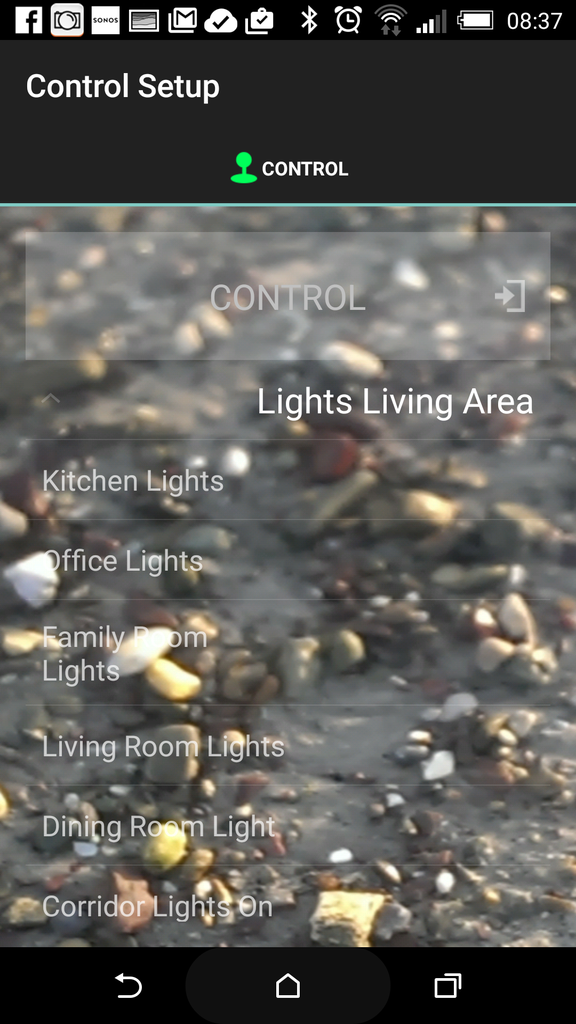
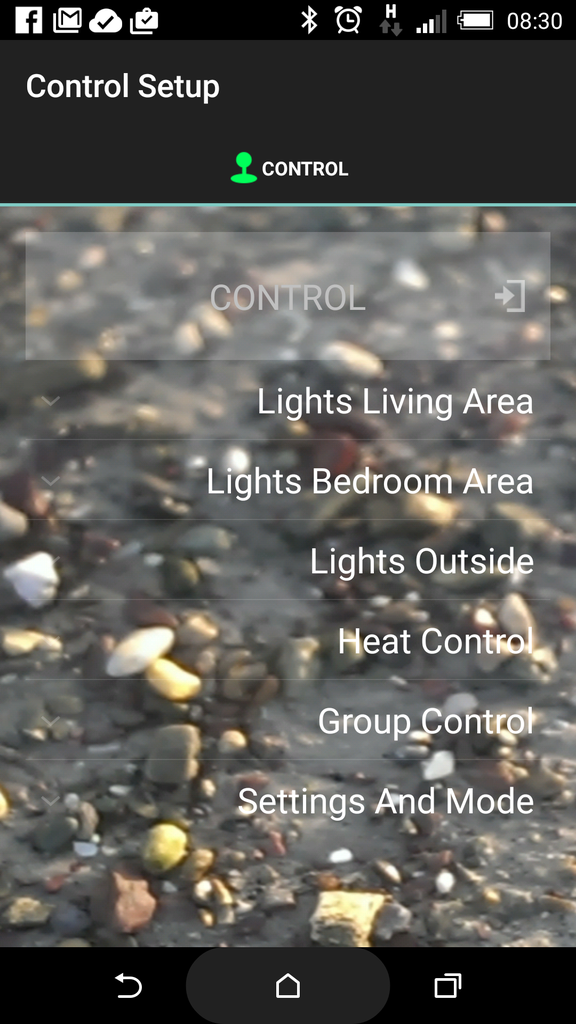
I can\'t change an icon.
When I select the device (bedroom light for example ) to change, nothing happens, it doesn\'t move to the select icon screen
For example, if you want to change the icon of bedroom light, you need the click the icon of the bedroom light, but not the text \"bedroom light\". So that you can move to the icon select page.
[user=5285]CytechMartin[/user] wrote: Quote:For example, if you want to change the icon of bedroom light, you need the click the icon of the bedroom light, but not the text \"bedroom light\". So that you can move to the icon select page.
Yeah, but there are no icons against the light when I go in via the spanner option.
The icons only appear when I am logged in as a user , not when I go to edit a configuration
Once you press the Spanner, you see the page with setup control icon on top

Select one of the Groups, then you should see the text on the left and icon on the right as in the picture 4 above. Pressing the icons reveals the list of icons
What exactly do you see ?
what phone and OS do you have
I have a HTC one m8 using android 5.01
Here is what I see[size=
][/size][size=
][/size]
[size=
][/size][size=
][/size]
Hi, Waxfordman, can you download a comfort tablet version 1.4 to try this issue by using your HTC phone? thanks for it!
Same thing, Ihave no icons. There are none when I log in as a user either in either phone or tablet
Perhaps it is a Lollipop issue
How about the rest of the operation, is it working well?
Yeah, eeverything else is working fine,

