
+- Comfort Automation/ Security System Forums (https://www.comfortforums.com)
+-- Forum: Products (https://www.comfortforums.com/forum-3.html)
+--- Forum: UCMs (https://www.comfortforums.com/forum-146.html)
+---- Forum: UCMA/Pi (https://www.comfortforums.com/forum-162.html)
+---- Thread: Comfort Home assistant Image (/thread-5860.html)
Comfort Home assistant Image - slychiu - 05-18-2026
If the SD card for UCMA/Pi is corrupted, the image can be downloaded from https://drive.google.com/drive/folders/1tBvjjZrzY-zwBctwIOa5xHCKn9NBjdiF?usp=sharing
To write the the Micro SD Card you wlll need a USB to Sd Card adaptor I recommend Transcend RDF5 Card reader
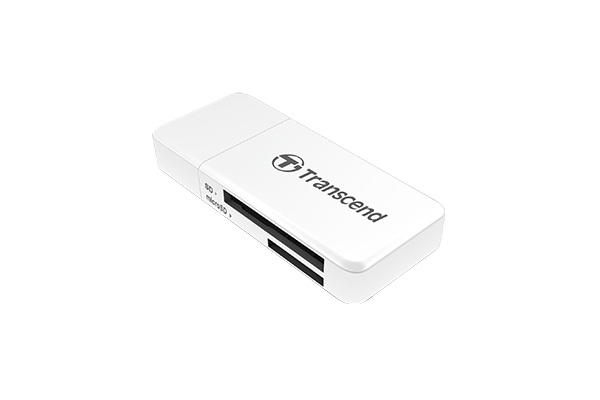
You will need a USB Image Tool to write the image to the Micro CD card . I recommend USB Image Tool which I have tried, download from https://www.alexpage.de/usb-image-tool/
RE: Comfort Home assistant Image - slychiu - 06-05-2026
The new image cytech260601.img at https://drive.google.com/drive/folders/1...sp=sharing is the correct one. It make cytech.local:8123 the default log in for Home assistant, and assigns teh correct URL for remote access into UCMA/Pi Home assistanmt