Thread Rating:
  • 0 Vote(s) - 0 Average
  • 1
  • 2
  • 3
  • 4
  • 5
2nd generation Android Phone App
#1
Cytech have been working on  new and redesigned Android Phone App

This is an updated user interface with many functional improvements

It is not quite completed yet, but those who are using the current app can take a look and give their feedback


This does not replace the existing Comfort Android phone  app. Both can coexist at the moment in the same device

System Requirements:
Comfort 7.xxx
UCM/ETH03 or UCM/ETH02 7.xxx

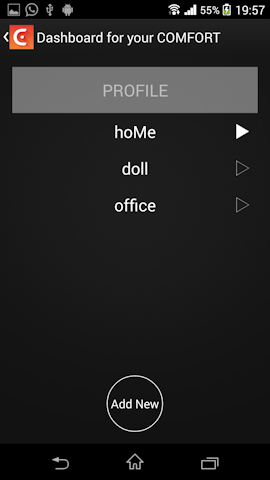
Some screenshots from an android phone are shown below


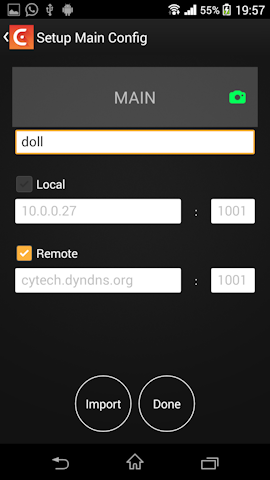
Multiple profiles can be set-up

Configuration setup


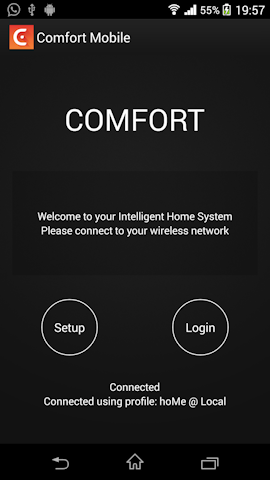
Login Page


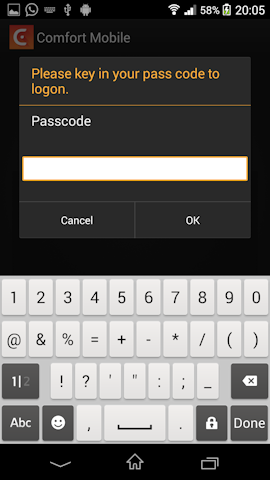
Enter your user code to log in


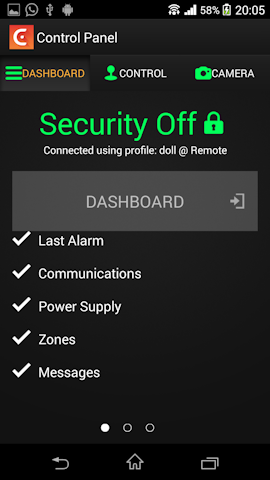
The Dashboard showing Trouble alerts if any. If there is a trouble alert, the relevant item will be shown eg Communications > Phone Trouble  or  Power Supply > Low Battery


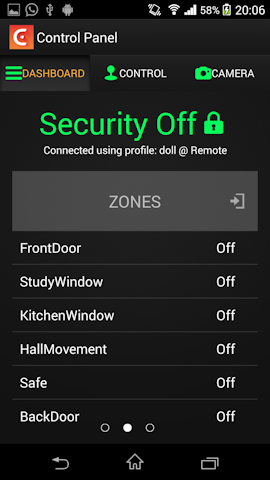
Zone states


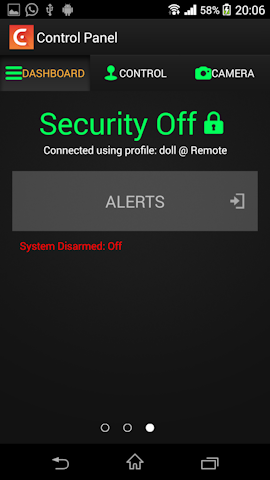
Alerts showing recent events


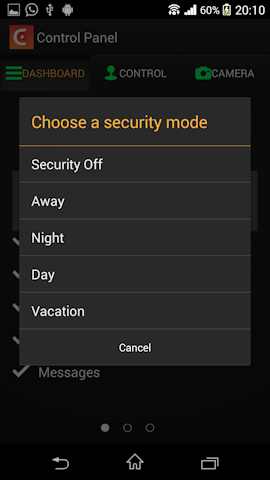
Arm or Disarm the security system


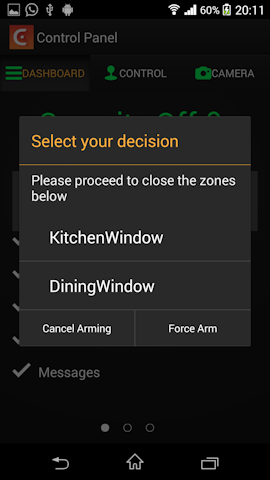
Arming and Open zones are found


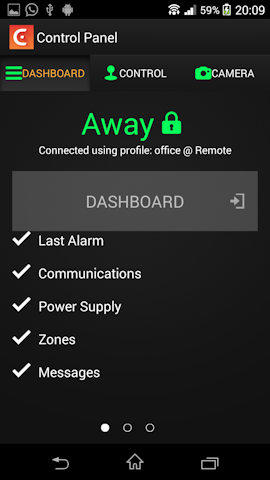
System armed to Away Mode


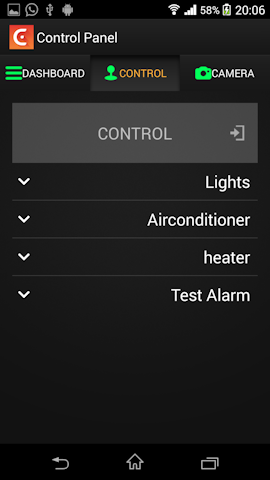
The Control Menu showing the higher level Groups


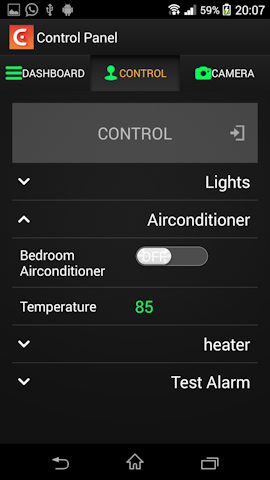
The Airconditioner Group


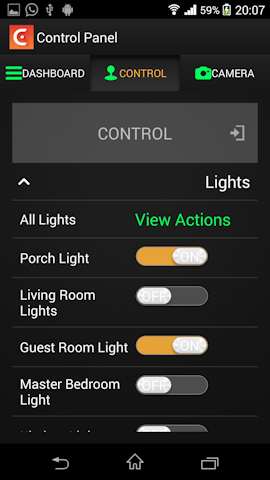
The Lights Group

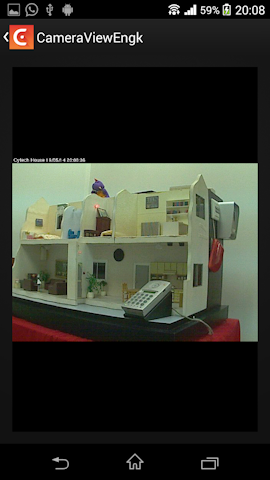
The Camera page. Up to 4 cameras are supported

Reply

#2
My personal opinion is that I do not like this current industry wide trend of making the UI dark and having simple white icons.

Myself and it seems half of the rest of their customers are similarly up in arms about what Techsmith have done with their latest Snagit 12 upgrade; take a look at what people are saying about it on their forums as they are alienating their base big time right now.  

Hey I\'m by no means averse to change but IMHO not sure about dark UIs

Julian
Reply

#3
I think we should not be too obsessed about colour schemes. Some like white, some like black other like purple but we cannot satisfy everyone
Just see if the change is for the better or worse and also look at how the functionality has imporved (or not)
Reply

#4
You did ask for feedback and comments! Smile
Reply

#5
But only good onesWink
Reply

#6
Hi ident

The new look takes a bit of getting used to. To be honest, I prefer the look of the current app, but am liking the features of the new app.

I do find it a bit buggy, it has frozen a few times on me.I also get no readings from my temp sensors on my scs, bit am curious about the slider view.

Are there any plans to be able to input values into counters in comfort via the app for example, would be great to be able to enter temp settings etc, it\'s one thing that comfort is quite weak on I think.

Regards
Eamon
Reply

#7
Quote:Are there any plans to be able to input values into counters in comfort via the app for example, would be great to be able to enter temp settings etc, it\'s one thing that comfort is quite weak on I think.
that is planned for the future. We have been busy getting the new apps ready


Reply

#8
Version 1.0 of the 2nd Generation Android Tablet and Phone app is now available from the Google Play Store

Tablet
https://play.google.com/store/apps/detai...ek.comfort

Phone
https://play.google.com/store/apps/detai...techaphone


Or just search for Cytech Comfort on the Play store
Reply

#9
[size=Hi ident][/size][size=
][/size][size=Could you explain the functionality of the password use when on WiFi local connection. I thi k I get the idea but it does not seem to be working for me.][/size][size=
][/size][size=Do I need to setup two profiles or does the app determine if I am on local connection or not ?][/size]
Reply

#10
Quote:Could you explain the functionality of the password use when on WiFi local connection. I think I get the idea but it does not seem to be working for me.
You can enter your user code in the settings screen
This means that when you are on local connection, you do not need to enter your code to log in except when disarming the system
It does not work for Internet / remote connection. You need to enter your pasword


Quote:Do I need to setup two profiles or does the app determine if I am on local connection or not ?]
This work the same way as the old app
You have to select LAN or Internet. The app cannot determine if you are remote or local
You do not need two profiles. select LAN or Internet in the same prrofile


Reply


Forum Jump:


Users browsing this thread:
1 Guest(s)

Powered By MyBB, © 2002-2026 Melroy van den Berg.