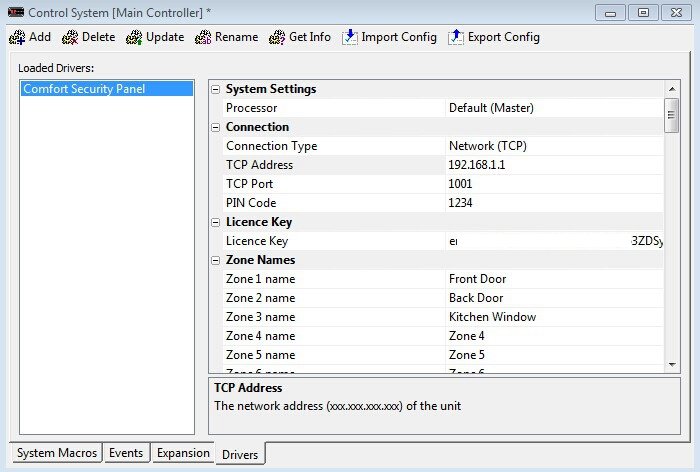
Janus Technology have released a Comfort Driver for RTI (Remote Technologies Inc) see http://www.janustechnology.co.uk/product...r-for-rti/
--------------------------------------------------------------------------------------------------
This driver provides Ethernet control of a Cytech Comfort security system from an RTI processor, via the use of a virtual keypad. All the usual keypad buttons are provided as driver commands for mapping into RTI, as well a comprehensive list of variables, enabling the installer to create an authentic looking keypad to display via an RTI panel. Text strings and a series of flags provide the RTI interface with up-to-date feedback, describing the current status of all alarms within the system. Users will love the convenience of handheld control and monitoring of their alarm system, and will delight in waving goodbye to white plastic, wall-mounted control panels.
The UCM/ETH03 is required to interface to the RTI panel

--------------------------------------------------------------------------------------------------
This driver provides Ethernet control of a Cytech Comfort security system from an RTI processor, via the use of a virtual keypad. All the usual keypad buttons are provided as driver commands for mapping into RTI, as well a comprehensive list of variables, enabling the installer to create an authentic looking keypad to display via an RTI panel. Text strings and a series of flags provide the RTI interface with up-to-date feedback, describing the current status of all alarms within the system. Users will love the convenience of handheld control and monitoring of their alarm system, and will delight in waving goodbye to white plastic, wall-mounted control panels.
The UCM/ETH03 is required to interface to the RTI panel
Quote:Weââ¬â¢ll be adding in additional features over the coming months ââ¬â all feedback welcome