05-09-2015, 12:26 PM
Hi
Simple enhancement request.
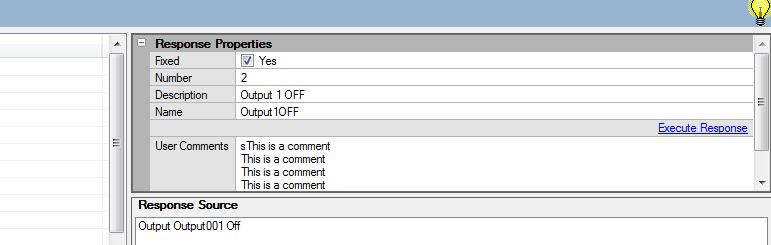
Could you please make the \"Comments\" field on the Configuration\\General Information node a bit larger or add scroll bars so that it is obvious there is more content.
I use this field to record the history of H/W changes I make to Comfort, ie new UCM added or battery changed. Problem is it only shows 6 lines at any time and always at the top so not obvious of my later changes. Yes I could reverse the order I guess so that latest is always at the top but a simple scroll bar would be nice pretty please too.
Ju
Simple enhancement request.
Could you please make the \"Comments\" field on the Configuration\\General Information node a bit larger or add scroll bars so that it is obvious there is more content.
I use this field to record the history of H/W changes I make to Comfort, ie new UCM added or battery changed. Problem is it only shows 6 lines at any time and always at the top so not obvious of my later changes. Yes I could reverse the order I guess so that latest is always at the top but a simple scroll bar would be nice pretty please too.
Ju