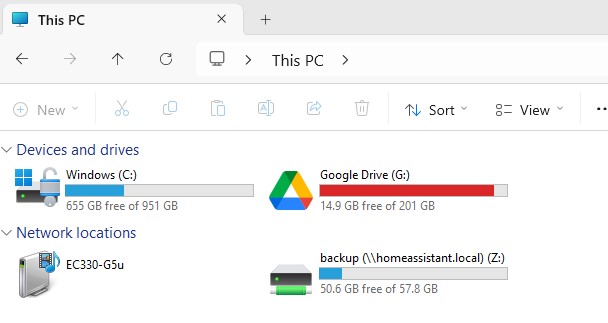
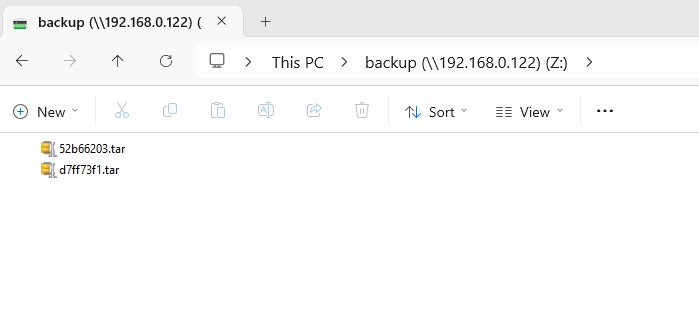
To backup full or partial, go to Settings > System > Backup.
The list of previous backups is shown. Create Backup to start a new back and asign a name for the backup. The backup will be in the backup folder in the root directory.
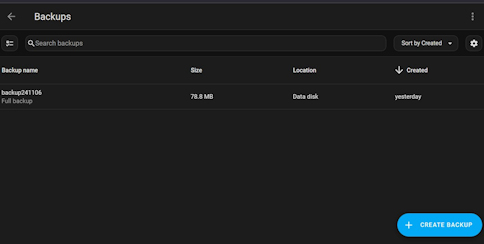
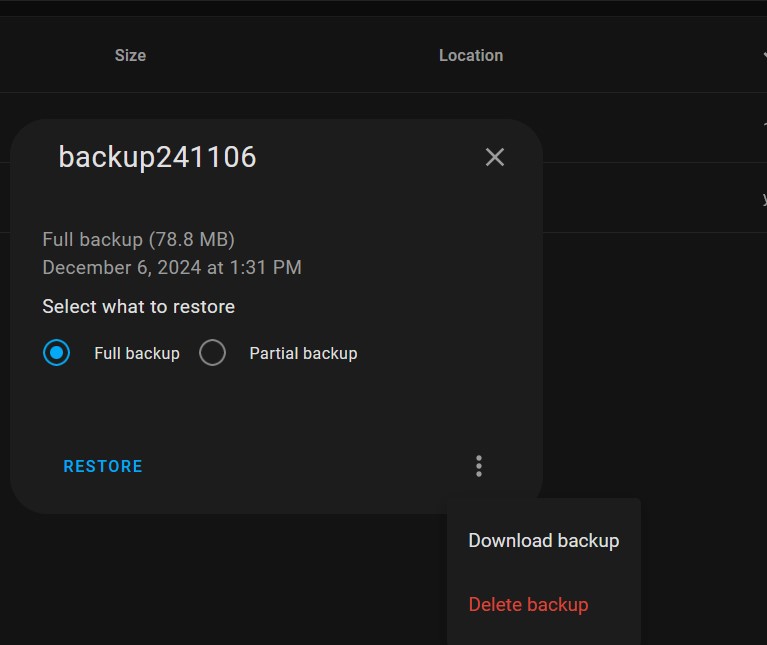
You can also download a backup to the PC by clicking on the backup, click the 3 dots on the bottom right, and select Download Backup. This allows you to save a backup on your PC in case the Raspberry Pi has to be replaced.
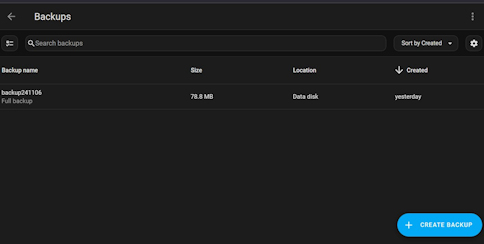
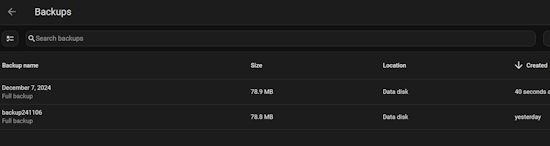
The new backup will be listed in the backup screen
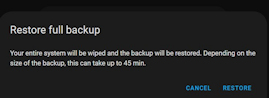
To Restore a backup, select the backup and click, select Restore full backup and oress Restore.
The list of previous backups is shown. Create Backup to start a new back and asign a name for the backup. The backup will be in the backup folder in the root directory.
You can also download a backup to the PC by clicking on the backup, click the 3 dots on the bottom right, and select Download Backup. This allows you to save a backup on your PC in case the Raspberry Pi has to be replaced.
The new backup will be listed in the backup screen
To Restore a backup, select the backup and click, select Restore full backup and oress Restore.